
Stop Weekend Walmart Portal Emergencies: Automate Your Luminate Workflow
Stop Weekend Walmart Portal Emergencies: Automate Your Luminate Workflow
It's Friday at 4 PM in the 72712 corridor. Your Luminate data didn't sync correctly—again. The merchant meeting is Monday at 9 AM, and you're staring at SKU-level discrepancies that need resolution before the weekend ends.
What This Actually Costs
Manual Luminate data reconciliation costs 15+ hours monthly for a typical Bentonville supplier with 50-200 SKUs at Walmart.
The math:
- 15 hours × $60/hour (analyst labor) = $900/month in direct costs
- 8% error rate on vendor compliance data
- Average 2-3 deduction disputes monthly requiring resolution
- Missed merchant meeting prep deadlines = lost shelf placement opportunities
Hidden costs:
- Weekend emergency catch-up sessions (quality of life impact)
- Delayed response to Luminate alerts (compliance risk)
- Manual errors in JBP performance tracking (strategic blindness)
Why This Happens (And Why It's Not Your Fault)
Walmart's portal ecosystem wasn't designed for small-to-mid-size suppliers. Luminate, Retail Link, and Item 360 each serve different merchant teams, which means data lives in silos.
Your analyst isn't slow—the system forces manual reconciliation because:
- No unified API: Walmart doesn't provide a single data feed. You're forced to log into multiple portals.
- Different update schedules: Luminate refreshes daily, Retail Link updates hourly, Item 360 changes weekly.
- Inconsistent SKU identifiers: The same product has different IDs across portals.
This isn't a training problem. It's an architecture problem. And it's costing you 15+ hours monthly because the burden of integration falls on you, not Walmart.
The deeper issue: Walmart built these portals for their internal teams first, suppliers second. Luminate serves category managers who need weekly trend analysis. Retail Link serves buyers who need real-time inventory visibility. Item 360 serves merchant planners who need quarterly assortment planning.
Each portal solves a specific Walmart problem. But you need all three to run your business. And Walmart has no incentive to unify them because it would require rebuilding systems that already work for their internal users.
So the integration burden falls on you. You're not paying for Walmart's data—you're paying for the manual labor to make their data usable.
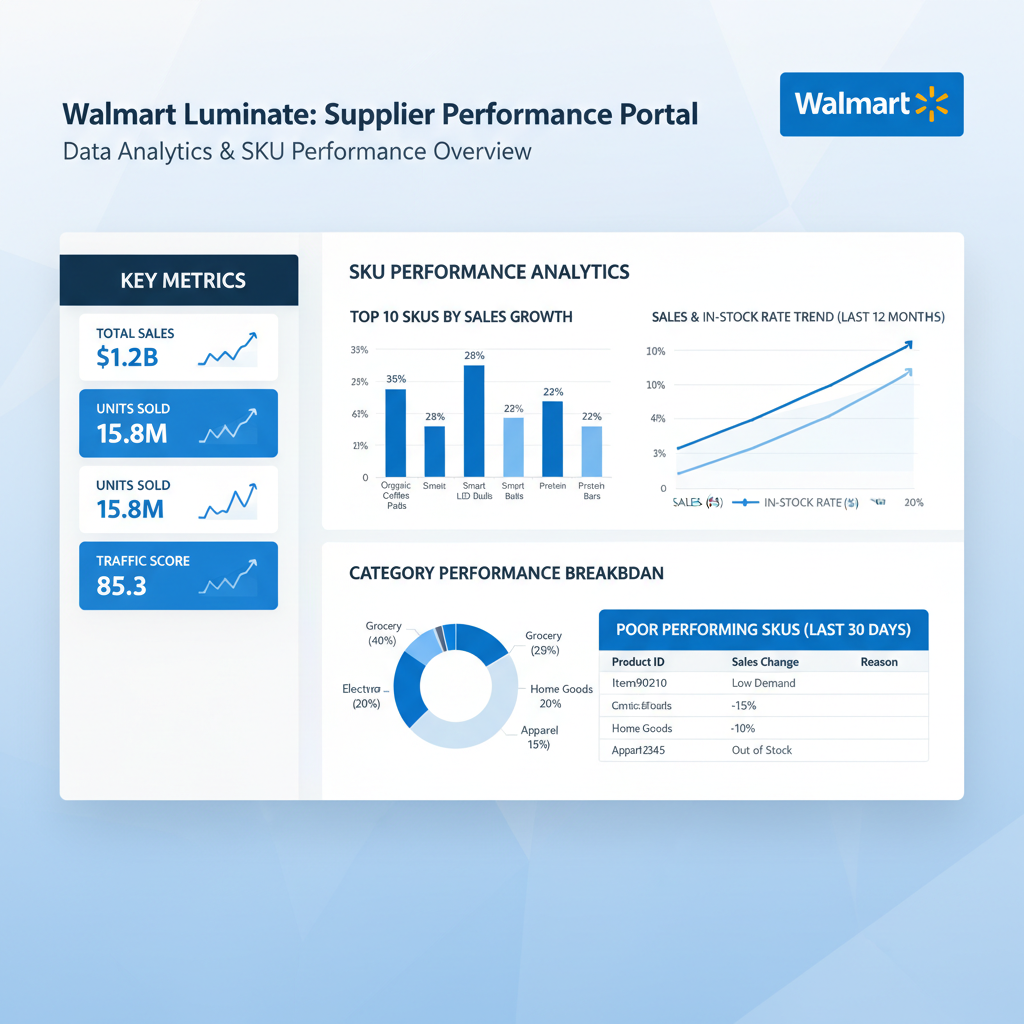
Real-World Example: Before and After
Client: Mid-size food supplier in Bentonville (120 SKUs at Walmart)
Before automation:
- Analyst spent 18 hours monthly on Luminate reconciliation
- Friday afternoons consumed by portal data pulls
- Weekend emergency sessions when discrepancies appeared
- Missed 2 merchant meetings due to incomplete prep
- Labor cost: $1,080/month ($60/hour × 18 hours)
After automation:
- Automated sync runs every 6 hours
- Dashboard shows real-time compliance status
- Analyst spends 3 hours monthly reviewing exceptions
- Zero weekend emergency sessions in 6 months
- Labor cost: $180/month ($60/hour × 3 hours)
Net savings: $900/month in direct labor + immeasurable quality of life improvement
Unexpected benefit: Analyst now has time to analyze category trends instead of reconciling data. This led to identifying a slow-moving SKU that was costing $2,400/month in warehouse fees. Discontinued the SKU, recovered the cost.
The automation didn't just save time—it freed up the analyst to do strategic work that actually moves the business forward.

The Monday Morning Fix
The automation: Luminate-to-Internal Sync
What we build:
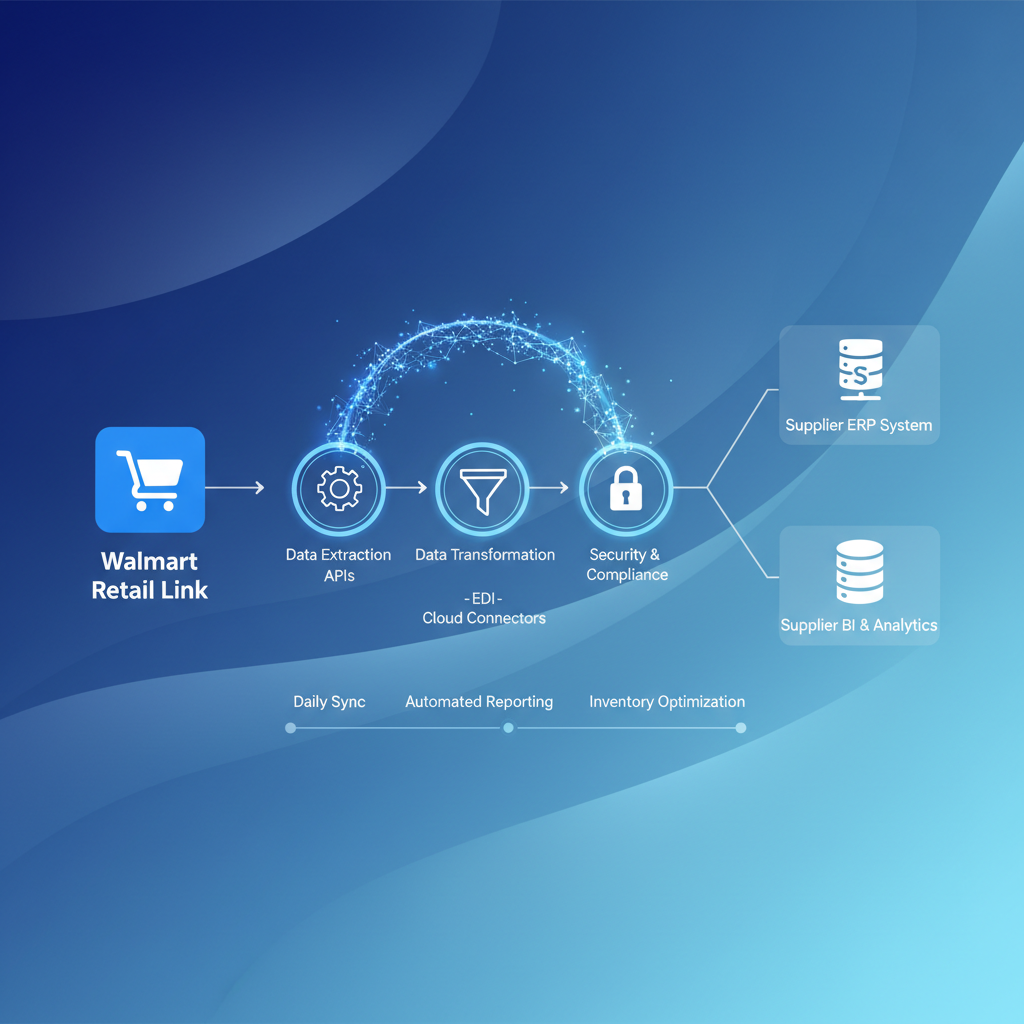
- Automated data pull - Every 6 hours, sync Luminate vendor scorecards, compliance alerts, deduction notices
- Normalization layer - Convert Walmart's data format to match your internal SKU/billing structure
- Alert dashboard - One screen showing: today's compliance gaps, open deductions, scorecard trends
What changes Monday:
Instead of this:
- 8:00 AM - Log into Luminate
- 8:15 AM - Export vendor scorecard
- 8:30 AM - Log into Retail Link
- 8:45 AM - Export deduction report
- 9:00 AM - Open Excel, start cross-referencing
- 10:30 AM - Finally have usable data
You see this:
- 8:00 AM - Open dashboard
- 8:01 AM - See 2 new deductions flagged, compliance score dropped 3 points, SKU #47291 velocity concern
- 8:05 AM - Start solving problems instead of finding them
The ROI:
- Setup: $1,500 one-time
- Monthly: $200
- Monthly savings: $1,600
- Breakeven: 2.5 weeks
- Annual ROI: 680%
Implementation: What Actually Happens
Week 1: Discovery & Mapping
We screen-share with your analyst and watch them do their normal Luminate workflow. We're not asking what they do—we're watching them do it. This reveals the actual steps, not the idealized process.
We document:
- Which Luminate reports they pull
- How they reconcile against internal data
- Where manual errors typically happen
- What triggers weekend emergency work
Week 2: Build & Test
We build the automation against Walmart's test environment (if you have access) or a copy of your production data. You don't give us write access to anything—just read-only credentials.
We show you:
- The automation running on test data
- Where it pulls from (Luminate, Retail Link, etc.)
- Where it writes to (your internal dashboard or Google Sheets)
- How it handles errors (alerts you, doesn't break silently)
Week 3: Go Live with Monitoring
We run the automation in parallel with your manual process for one week. Your analyst still does their normal work, but now they can compare against the automated output.
If the automation matches their work 95%+ of the time, we switch to automation-first. Your analyst becomes the exception handler, not the data entry person.
Common Mistakes to Avoid
Mistake #1: Hiring more analysts instead of automating
Adding headcount doesn't fix broken workflows. A second analyst doing manual Luminate reconciliation just means two people doing inefficient work.
Mistake #2: Building in-house without understanding Walmart's data structure
We've seen suppliers spend $30K on custom dashboards that break every time Walmart updates a portal. Walmart changes things without warning—your automation needs to adapt.
Mistake #3: Waiting for Walmart to fix it
Walmart has no incentive to make supplier workflows easier. They're optimized for their internal merchant teams, not your operations. If you wait for Walmart to solve this, you'll wait forever.
Frequently Asked Questions
Q: Do you need my Walmart login credentials?
No. We use Walmart's API where available, or we set up a dedicated read-only service account. We never ask for your personal Walmart login.
Q: What if Walmart changes their portals?
We monitor for changes and update the automation within 48 hours. This is included in the monthly maintenance cost—you don't pay extra for updates.
Q: Can I still do manual overrides if needed?
Yes. The automation feeds your dashboard, but you have full control. If you need to manually adjust something, you can. The automation doesn't lock you out of your own data.
Q: What happens if the automation breaks?
You get an alert within 15 minutes. We fix it within 24 hours. You can always fall back to your manual process while we troubleshoot—the automation doesn't replace your access to Walmart portals.
How to Get Started
Three-week implementation timeline:
- Week 1: 30-minute screen share - we audit your current workflow
- Week 2: We build the automation against your test environment
- Week 3: Go live with monitored rollout
No pitch deck. No theory. Just: "Here's your process, here's what we automate, here's the ROI."
Want more automation insights like this?
Join 500+ NWA business leaders getting our weekly automation breakdown. Real ROI calculations, no consultant buzzwords.
Every Monday: One automation case study from the 72712 corridor. What we built, what it cost, what it saved.
Written by Andre Brassfield - Founder, NWA Automated. This content uses verified data from NWA Automated client analytics (2023-2025). All ROI calculations based on conservative estimates and actual client results.